
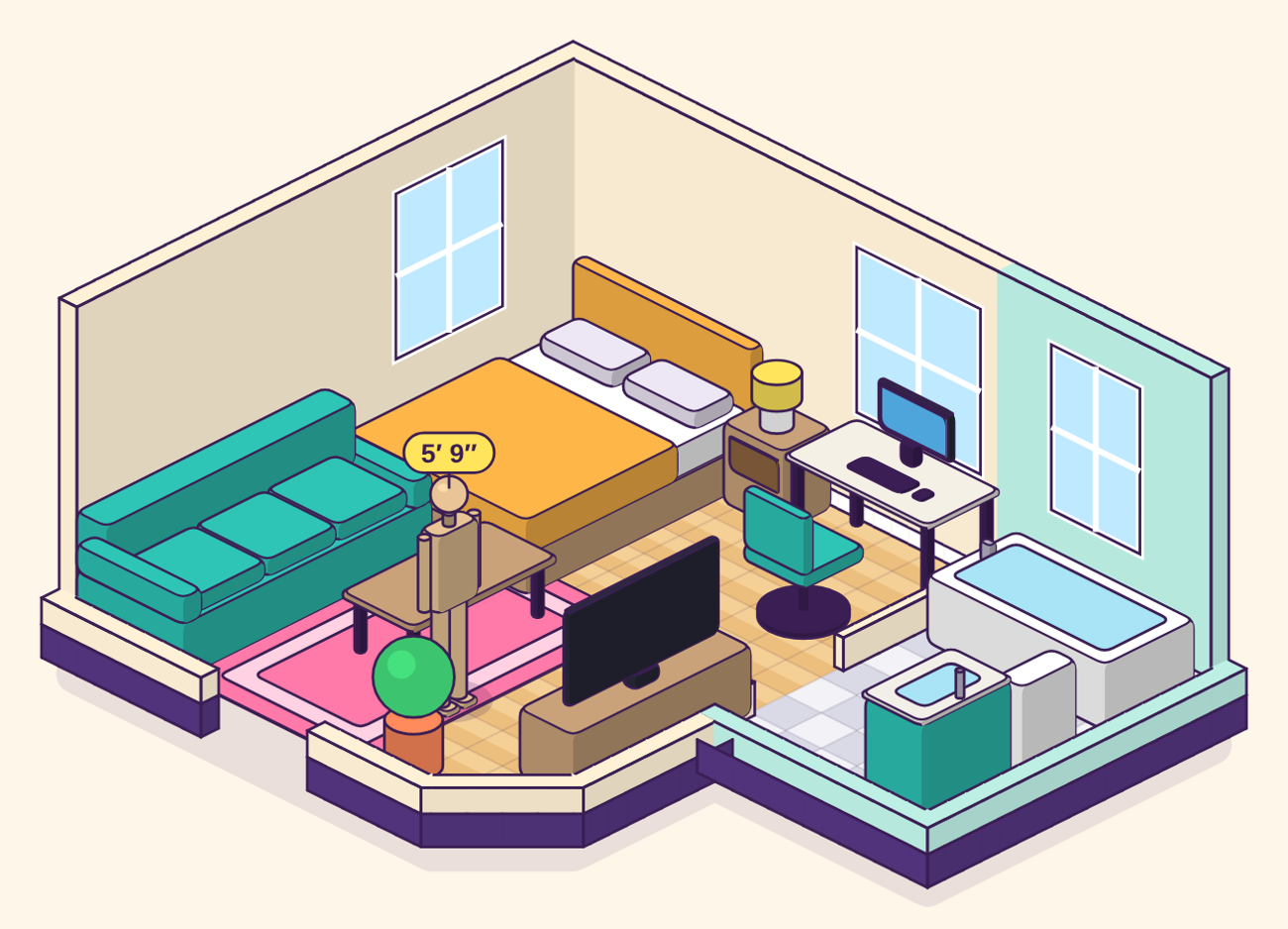
Lay out your apartment like a management sim.
Isolation turns your floor plan into a tile grid. Drop in furniture, turn it, try a room three different ways, and see what actually fits before you move a single couch. It's the build mode from your favorite hospital and campus games, pointed at your own four walls.
What you can do
Stand a person in the room
Drop in a person and set their height anywhere from 3′ to 7′. They show how big a room really feels, which numbers alone never do.
Your whole apartment, in 6″ tiles
Add rooms, drag their walls in and out, join them with doors and doorways, and cut corners at 45°. Every tile is six inches, so what fits here fits at home.
Drag, drop and turn
Move furniture right in the isometric view, turn the room to any of four angles, or switch to a flat plan for precise work.
Furniture for every room
Beds, couches, desks, kitchen and bath pieces at real sizes, plus your own pieces by width, depth and height.
"Does it fit?" checks
Anything that overlaps, sticks out of the room or blocks a door turns red, with a plain list of what to fix.
Save and share with a link
Your room saves itself in your browser. One link shows anyone the exact layout, with no sign-up needed.
How it works
- Lay out your roomsAdd a room for each space, then drag the yellow handles to size them.
- Add furniturePick pieces from the tray and drag them where you want them.
- Add a personSet their height and stand them on the rug to see the room to scale.
- Share itCopy a link or download a picture to send to a roommate, partner or landlord.
Coming next
- Trace over a photo or PDF of your floor plan
- A bigger furniture catalog
- Room themes, a coziness score and more game touches
Isolation is an early version, so it will keep changing. Ideas and bug reports are welcome at matt@studio.toys.
Isolation is a Studio Toys project, made to help people picture their homes before they move a thing.